Graphs
Read at your own pace. Code execution, quizzes, progress tracking, and the AI tutor are available in the interactive view with JavaScript enabled.
From Trees To Graphs
Why this lesson matters
Now that we've covered Trees and Binary Search Trees, you're ready for the bigger idea: graphs.
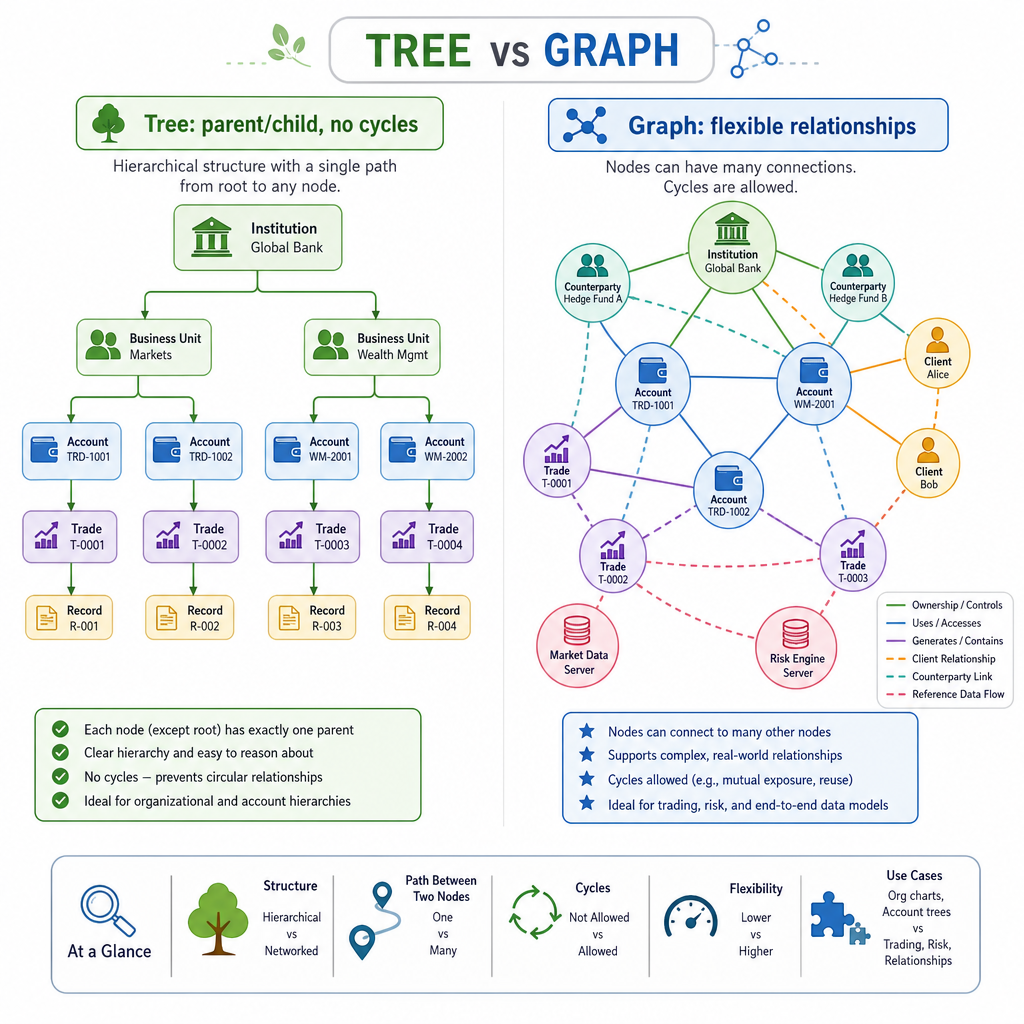
A tree is a very organized graph-like structure: each node has a clear parent/child relationship and no cycles. A graph removes those restrictions.
Graphs model relationships such as:
- People connected in a social network
- Accounts sending money to each other
- Cities connected by roads
- Servers calling other services
- Trades, instruments, and risk systems depending on each other
For interview prep, graphs matter because many problems are really asking: what can I reach, how fast can I reach it, and is there a cycle or path?
Graph Vocabulary
The basic words
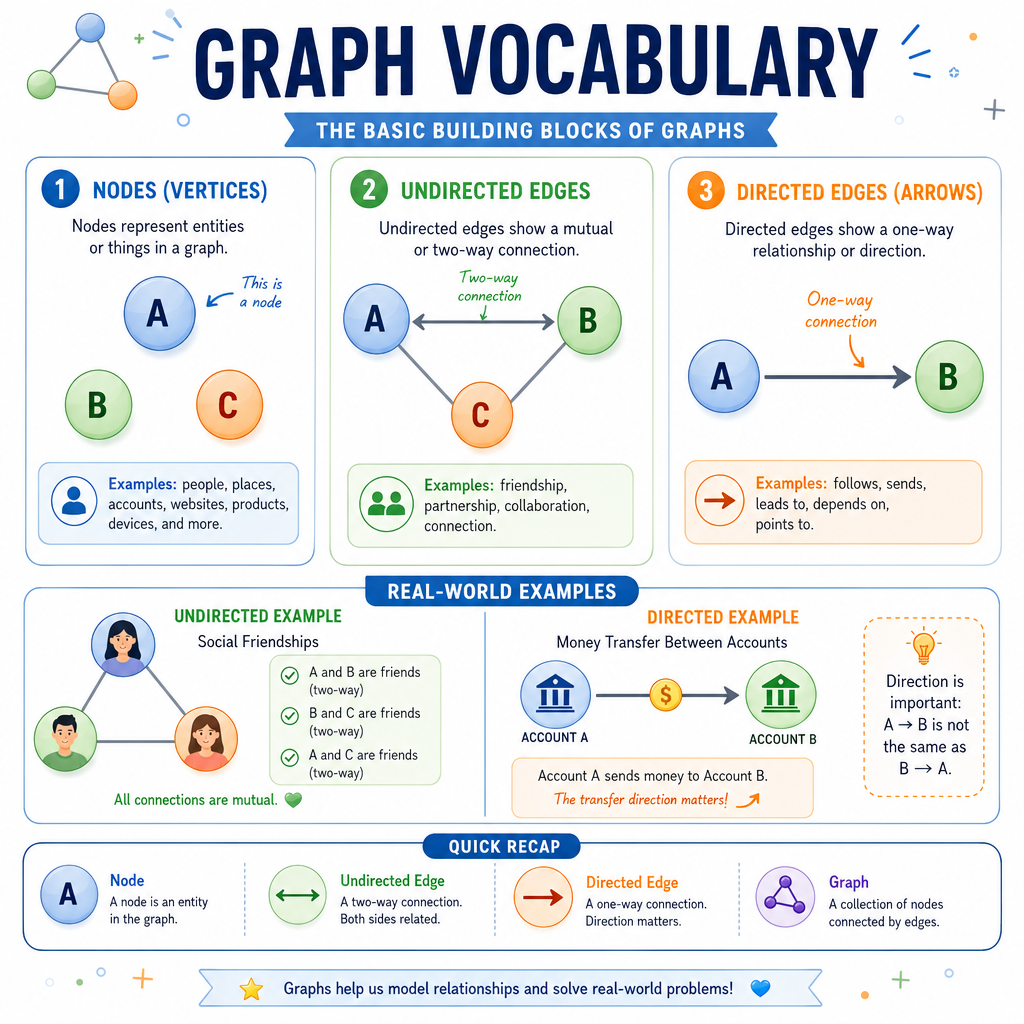
A graph is made of:
- Vertices / nodes: the things
- Edges: the connections between things
Example:
A ---- B
|      |
C ---- D
Here, A, B, C, and D are nodes. The lines are edges.
Directed vs undirected
An undirected edge works both ways:
A ---- B
A directed edge has a direction:
A ---> B
In finance-flavored systems, this distinction matters. If account A sends money to account B, that does not automatically mean B sent money to A.
Tree Or Graph
Which statement best describes the relationship between trees and graphs?
Representing Graphs
How do we store a graph?
In interviews, the most common representation is an adjacency list.
It answers the question:
For this node, who are its neighbors?
For example, if account A is connected to accounts B and C, we can store:
A: B, C
In Python, this is usually a dictionary where each key maps to a list of neighboring nodes.
This builds naturally on the earlier lessons: arrays/lists store groups of neighbors, and dictionaries let us look up a node's neighbor list directly.
```python
# Adjacency list for a small directed money-transfer graph
transfers = {
    "Alice": ["Bob", "Cara"],
    "Bob": ["Dina"],
    "Cara": ["Dina"],
    "Dina": []
}

for account, neighbors in transfers.items():
    print(account, "can send to", neighbors)

print("Neighbors of Alice:", transfers["Alice"])
```
Undirected Storage
True or false: In an undirected graph, if A is connected to B, an adjacency list usually stores B in A's list and A in B's list.
Breadth First Search
BFS: explore by layers
Breadth-First Search, or BFS, starts at one node and explores all nearby nodes before moving farther away.
Mental model:
Start
  distance 1 neighbors
    distance 2 neighbors
      distance 3 neighbors
This is where your Stacks and Queues lesson becomes useful: BFS uses a queue.
Why? Because a queue processes nodes in the order they were discovered, which creates the layer-by-layer behavior.
BFS is especially useful when edges are unweighted and you want the fewest number of hops from one node to another.
```python
from collections import deque

# Undirected city graph: roads between cities
roads = {
    "NYC": ["Boston", "Philly"],
    "Boston": ["NYC", "Chicago"],
    "Philly": ["NYC", "DC"],
    "DC": ["Philly", "Atlanta"],
    "Chicago": ["Boston"],
    "Atlanta": ["DC"]
}

def bfs_distances(graph, start):
    queue = deque([start])
    distances = {start: 0}

    while queue:
        node = queue.popleft()

        for neighbor in graph[node]:
            if neighbor not in distances:
                distances[neighbor] = distances[node] + 1
                queue.append(neighbor)

    return distances

print(bfs_distances(roads, "NYC"))
print("Fewest road hops from NYC to Atlanta:", bfs_distances(roads, "NYC")["Atlanta"])
```
BFS Pattern
A graph traversal that explores all nodes at the current distance before moving farther away is called _____.
Depth First Search
DFS: go deep first
Depth-First Search, or DFS, follows one path as far as it can before backing up and trying another path.
Mental model:
Start -> neighbor -> neighbor -> neighbor
                 then back up
DFS is useful for questions like:
- Can I reach this node?
- What nodes are in this connected group?
- Does this graph contain a cycle?
Below is an iterative DFS using a stack. That should feel familiar from the Stacks and Queues lesson.
```python
# Directed graph of system dependencies
dependencies = {
    "trading_app": ["pricing_service", "risk_service"],
    "pricing_service": ["market_data"],
    "risk_service": ["positions_db"],
    "market_data": [],
    "positions_db": []
}

def dfs_reachable(graph, start):
    stack = [start]
    seen = set()
    order = []

    while stack:
        node = stack.pop()

        if node in seen:
            continue

        seen.add(node)
        order.append(node)

        for neighbor in graph[node]:
            if neighbor not in seen:
                stack.append(neighbor)

    return order

print("Reachable from trading_app:")
print(dfs_reachable(dependencies, "trading_app"))
```
Choose Traversal
You are given an unweighted graph of accounts and transfers. You need the minimum number of transfer steps from account A to account Z. Which traversal is usually the best first choice?
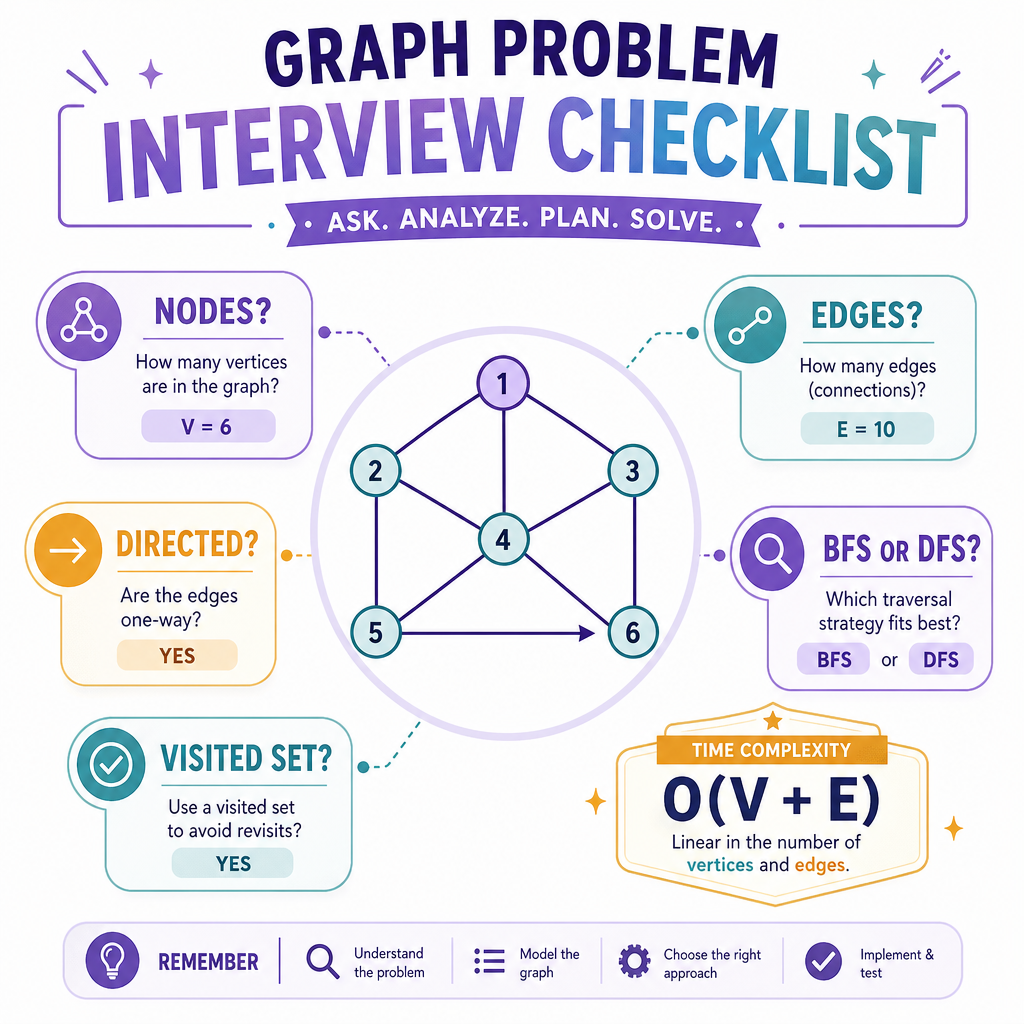
Interview Graph Checklist
How to think in interviews
When you see a graph problem, slow down and ask:
-
What are the nodes?
- accounts, cities, users, servers, words, grid cells
-
What are the edges?
- transfer, road, friendship, dependency, valid move
-
Directed or undirected?
- one-way transfer or two-way connection?
-
Do I need BFS or DFS?
- shortest unweighted path → often BFS
- reachability / connected group / explore all paths → often DFS
-
How do I avoid looping forever?
- keep a
seenorvisitedset
- keep a
Complexity
For adjacency lists, BFS and DFS usually cost:
Time:  O(V + E)
Space: O(V)
Where V is the number of vertices and E is the number of edges.
Next, we'll move into Dynamic Programming, where the challenge shifts from exploring relationships to reusing answers to overlapping subproblems.